 Tools for Growth
Can't keep track of money that arrives at different times?
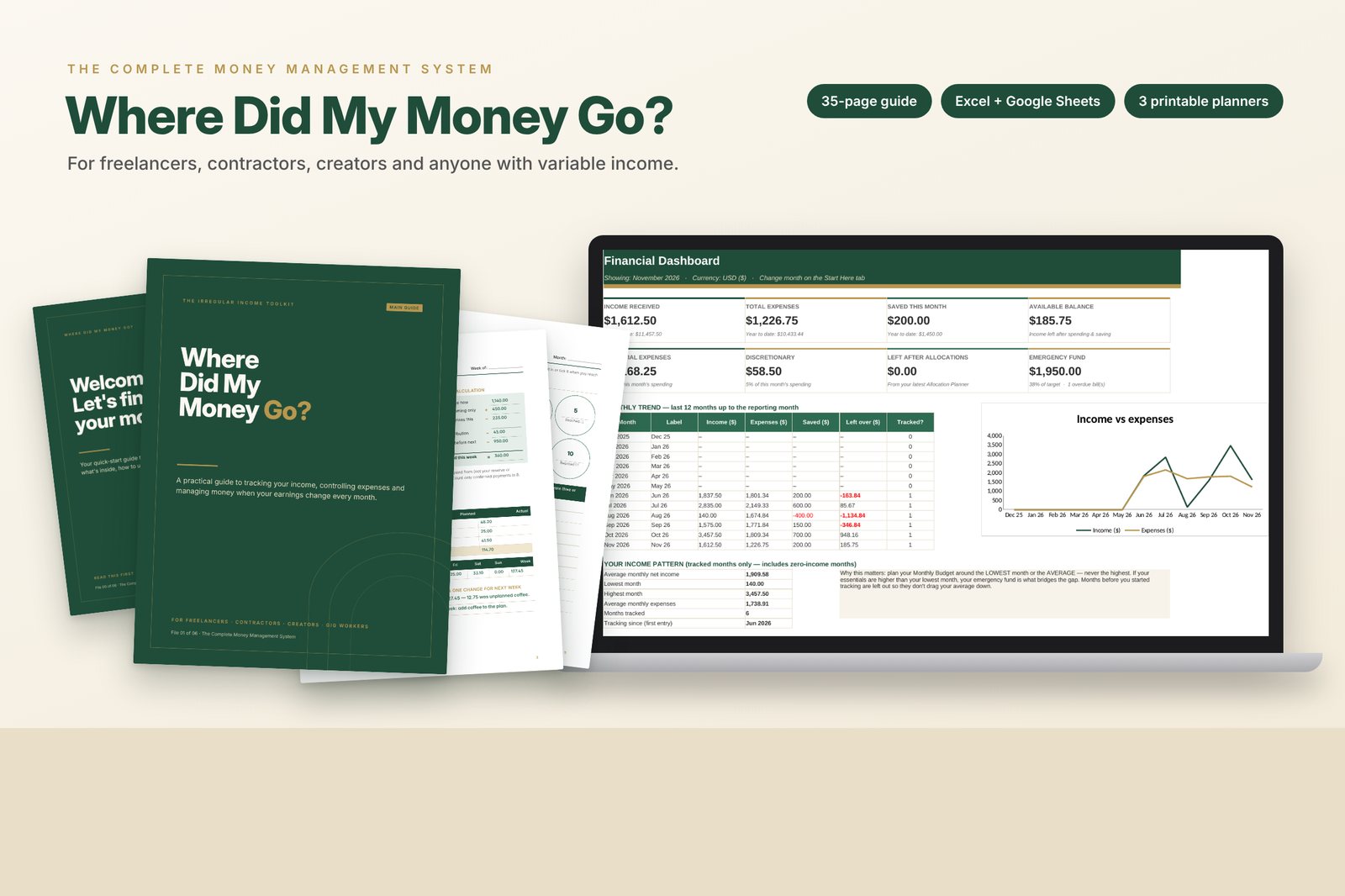
Where Did My Money Go? is a step-by-step budgeting system for people whose pay changes every month: a practical guide, a spreadsheet that updates as you type, and printable planners.
Until 15 December 2026, then $19 · instant download · secure checkout on Selar
Most budgeting advice assumes a fixed salary
Every month is different
So you never know which number to budget from.
Payments come from everywhere
Several clients and platforms, on different dates, make the full picture hard to see.
Bills catch you off guard
Even the ones you knew were coming, and saving never quite happens.
That isn't a willpower problem. It means you don't yet have a system built for how you're paid.
Seven simple habits, with the tools to do them
Record
Every payment from every source in one place.
Set aside
A reserve for tax and business costs, at a percentage you choose.
Allocate
Give each payment a job the day it arrives.
Budget
From a careful baseline, not your best month.
Safe to spend
Know what you can spend this week.
Save
Build an emergency fund at a pace that fits you.
Review
15 minutes a week, 45 minutes a month.
Plain English
No budgeting or spreadsheet experience needed.
Everything you need to get organised
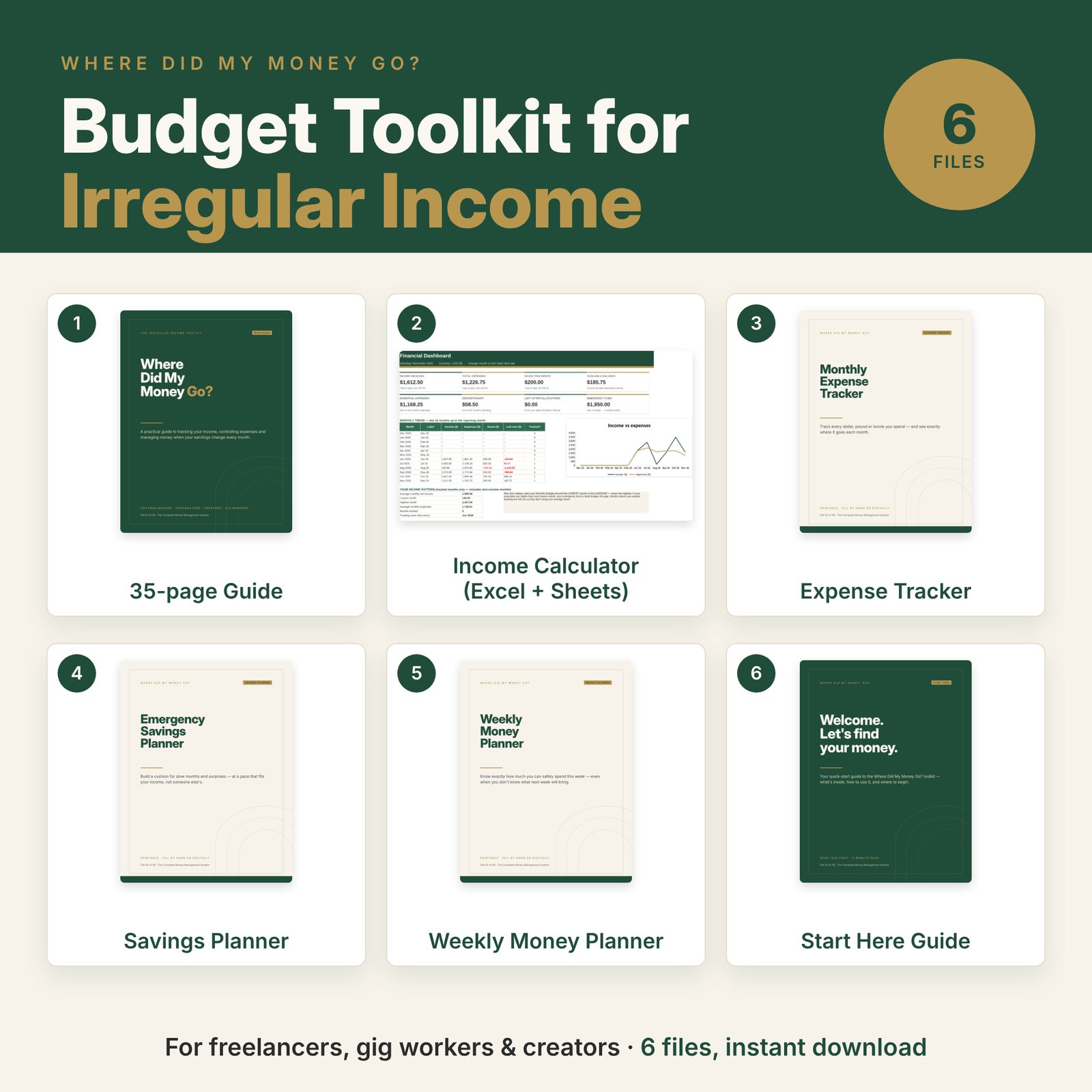
- Main guide (PDF, 35 pages): nine practical chapters with worked examples, ending with a 30-day reset plan.
- Budget spreadsheet (Excel, works in Google Sheets): dashboard, income and expense trackers, allocation and monthly planners, savings tracker and a bills calendar.
- Monthly Expense Tracker (printable PDF)
- Emergency Savings Planner (printable PDF), including a 90-day savings challenge
- Weekly Money Planner (printable PDF) that works out your safe-to-spend amount
- Start Here guide (PDF): what to open first and how to set up the spreadsheet
What changes when you have a system
| Before | After |
|---|---|
| "Where did it all go?" | Every payment and expense is logged and categorised |
| Budgeting from your best month | Budgeting from a realistic baseline |
| Spending freely after a big payment | Each payment allocated the day it arrives |
| Surprise bills and late fees | A bills calendar that flags anything due soon or overdue |
| Guessing what you can spend | A clear weekly safe-to-spend number |
| Saving "when there's something left" | Savings linked to every payment |
Made for
- Freelancers and independent contractors
- Self-employed professionals and consultants
- Gig workers: delivery, rideshare, task-based work
- Creators and online service providers
- Anyone paid by several clients or platforms
Not for you if you want
- Investment recommendations
- A get-rich-quick plan or guaranteed results
- Personalised tax advice (it helps you set money aside, but doesn't calculate tax owed)
Questions, answered
Is this suitable for beginners?
Yes. The guide explains everything in plain English with examples, and the spreadsheet shows you exactly which cells to type in.
Can I use it in Google Sheets?
Yes. Upload it to Google Drive and choose File → Save as Google Sheets. Formulas, dropdowns and charts carry over; Google Sheets doesn't keep Excel's sheet protection.
Can I use it on my phone?
The PDFs open on any phone and the spreadsheet works in the free Google Sheets or Excel app. The dashboard and planners are easier on a tablet or computer.
Is this a physical book?
No. It's a digital download: PDF files and a spreadsheet. You can print the planners at home for your own use.
How do I get it after paying?
Checkout is handled by Selar. You get a download link immediately after payment, and by email.
Know where every payment goes
Instant download. One-time payment. Yours to keep.
Educational resource only. Not personalised financial, investment, legal or tax advice. All examples are fictional.